Install an Evaluation Version on Windows
For testing purposes, Valsight can be installed on any Windows 11 computer with at least 4 GB RAM (8 recommended).
Valsight does not ship with a Java runtime. Install 64-bit OpenJDK 21 and set the JAVA_HOME environment variable to its installation directory (the path must not include the \bin\ folder). The startup script refuses to start on any other Java major version.
Unzip the ZIP file at a location without spaces, e.g. c:\valsight. In the \bin directory, a .bat file can be found - start it.
The application starts with a blank console window. The start takes a few minutes.
After the start, the application responds with “Grails application running on …”
You can now point your browser to localhost
(default) to access the application.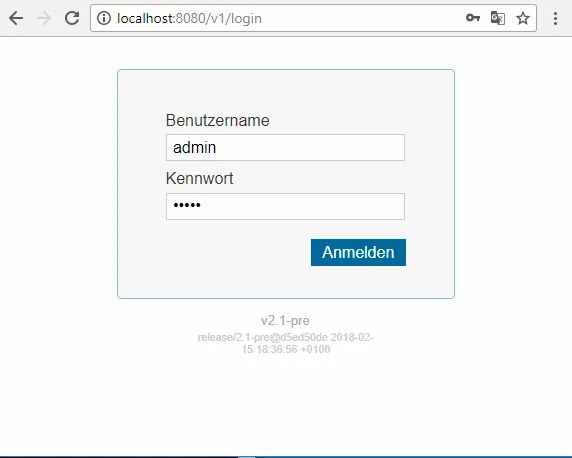
After logging in with the default admin
account, you need to provide a license file.\db folder. To migrate content from an evaluation instance to a productive instance, use the export and import functions for the projects you want to migrate.Backup of the POC instance
Our recommendation to store a backup of the POC instance is as follows:
- Stop the Valsight server by closing the cmd-window (Important, otherwise the open database file cannot be backed up correctly)
- Zip the entire Valsight folder (e.g. c:\valsight) by right-click, send to compressed folder. If the ZIP file cannot be written on c:\ Windows will ask to create the file on the desktop.
- Rename the file to contain the current date and time. (e.g. “201812040815valsight.zip”)
- Store the file on a central file share to prevent data loss in case of hardware problems of the laptop
We recommend to take a daily backup during the evaluation phase.