Worksheet Filter
Worksheet filters are the second level of filter available in Valsight.
Worksheet filters allow users to easily and quickly adjust the focus of a worksheet.
Worksheet filters affect all set chart filters which allows a quick change of focus of a sheet without the need to change all chart filters manually.
A worksheet filter is not a personal view. It is stored on the worksheet itself, so it survives a reload and applies to every user who opens that sheet. Setting one requires only view permission on the workspace, not edit permission, so any user who can open the workspace can change what everyone else sees. For filtering that affects only your own view, use chart filters.
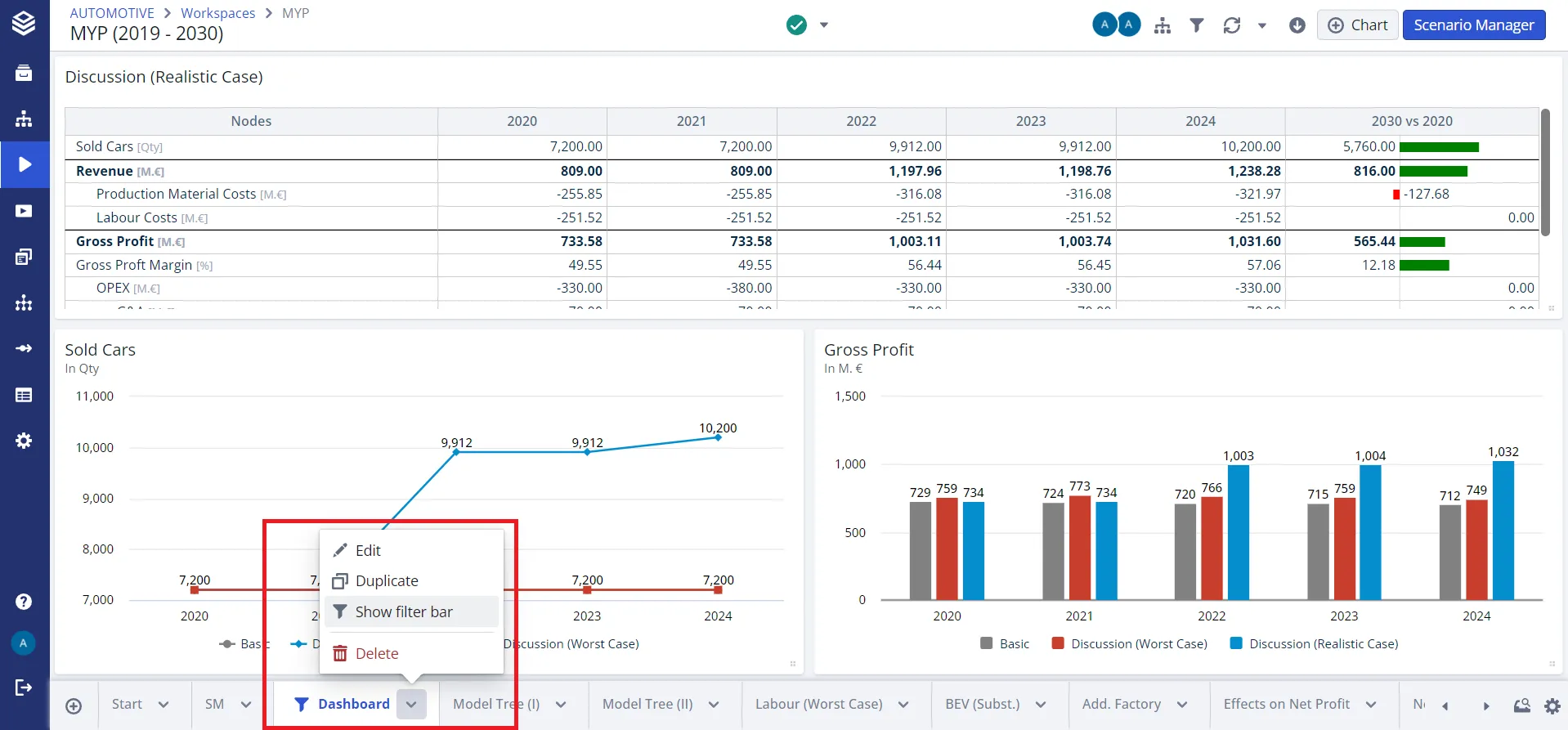
To apply or edit worksheet filters, open the options of the selected sheets and either hide or show the worksheet filters.
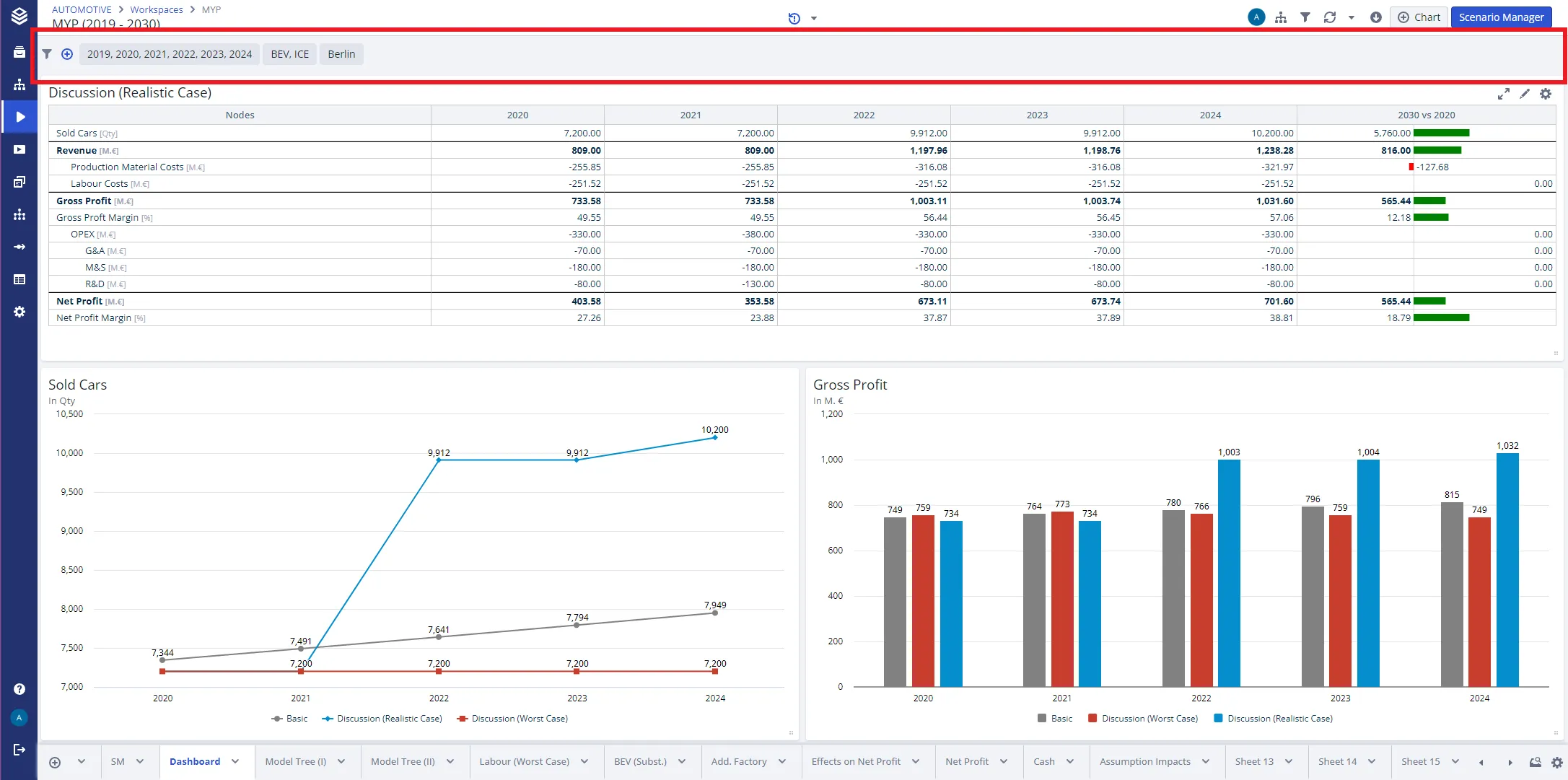
Worksheet filters are limited by the applied workspace filters.