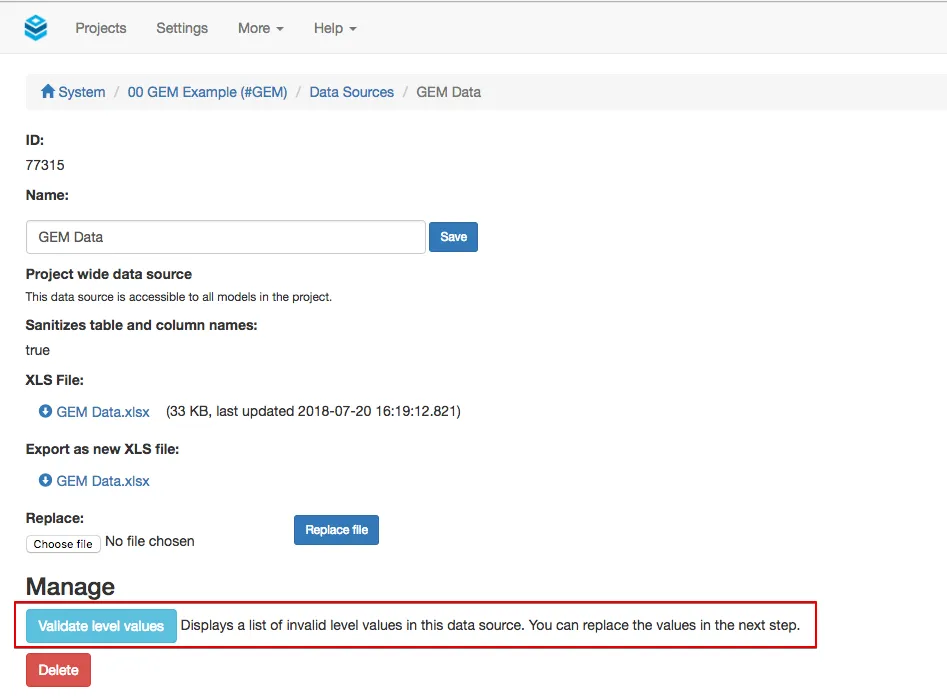
Validate Dimensions
You can use the “Validate Dimensions” functionality to check that all level values are present in the Dimension table.
The check reports the level values it could not match, and nothing more: it does not correct them for you. Production-ready models should have no unmatched level values, so correct them in your base data or in your Dimension tables as soon as possible. Unmatched values otherwise often lead to unexpected results.
A few tips:
- Look for leading and trailing spaces. A trailing space in Excel can be very easily overlooked, but the system treats “ABC” different from “ABC ”.
- If your file contains only data tables, e.g. no =DIM identifier, you can upload it to a new data source and validate the Dimensions there without affecting your primary or production data source.